External File Sharing: files.w-w.world
Supported File Types for Multimedia Preview
*Additional Codec Support depending on the device or browser
- Images*: .PNG, .JPEG, .JPG, .SVG, .HEIF, .HEIC, .DNG, .TIFF, .GIF, .ICNS
- Videos*: .MOV, .MP4, .MPEG4, .MKV, .HEIC
- Audio*: .AAC, .MP3, .WAV
- Text: .TXT, .JSON, .HTML
- Adobe File Formats generally do not support thumbnail previews
- Feature Overview
- Rich Multimedia File Previews
- iMessage & Link Previews for images
- Sender Verification (S/MIME & PGP)
- File Hash Verification (Appended to the download URL)
- Analytics (Clicks, General Location, Platform/Browser Agent, IP)
- Password Protected Links (not customizable; uses Dropshare shortened URL)
How do I verify the file integrity? (SHA256)
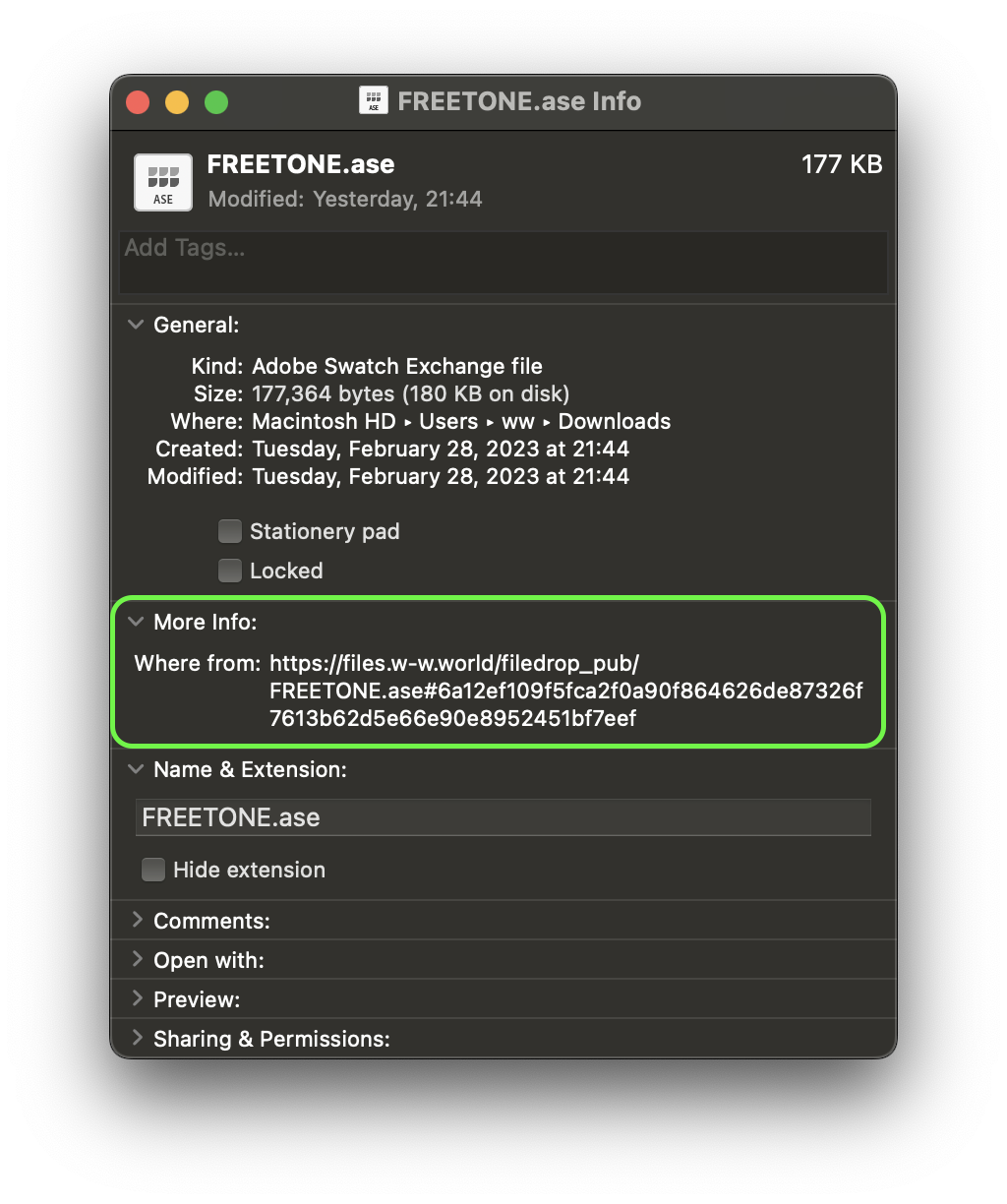
files.w-w.world automatically appends the SHA256 File Hash to the end of the download URL.
The expected hash can be viewed by hovering over the download button
On a Mac, you can also view the expected hash by selecting the file from your Downloads folder and pressing Command I and viewing the “Where from:” field:
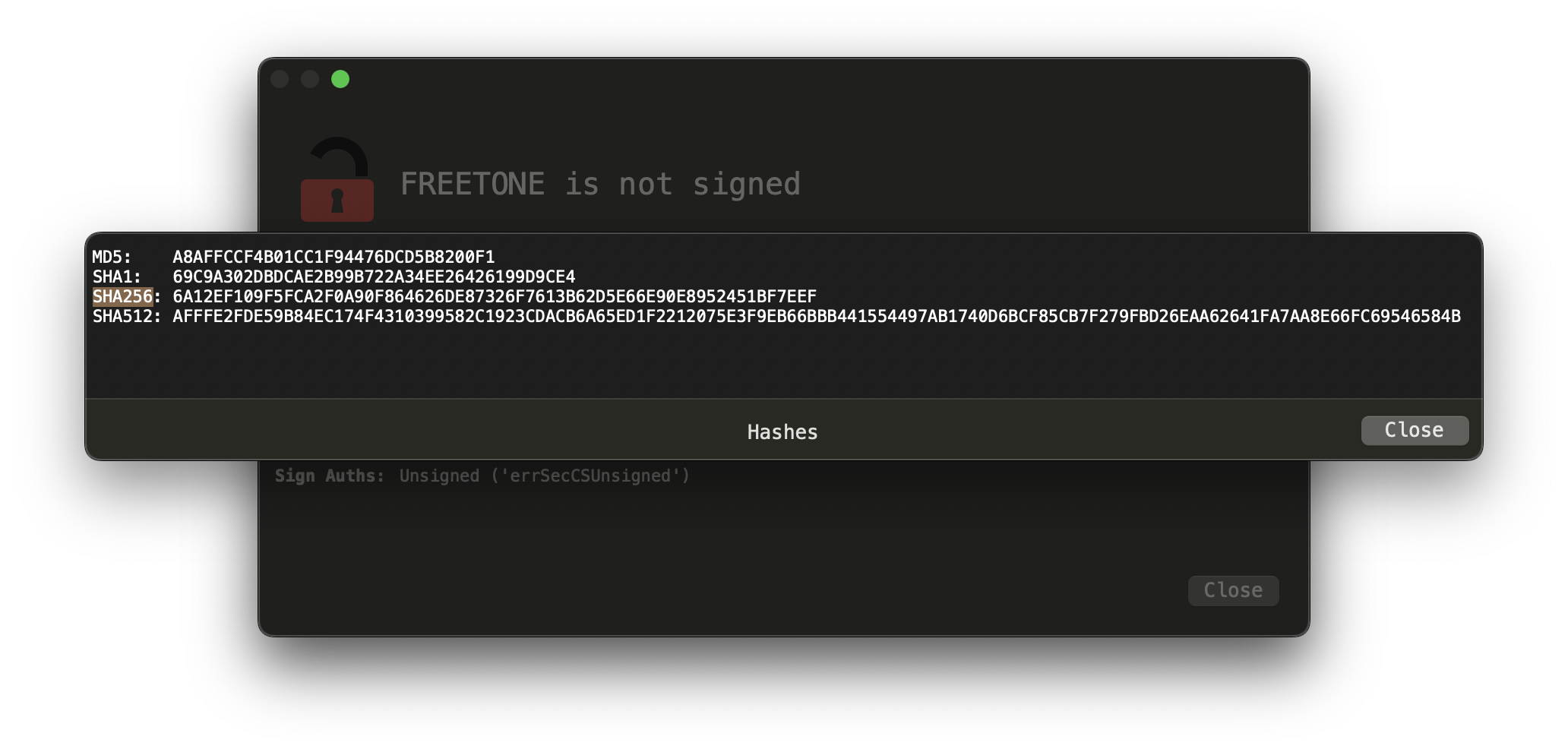
To view the File Hash of the downloaded file, What’s Your Sign from Objective-See is recommended (free & open-source):
How do I decrypt a file or verify the PGP signature?
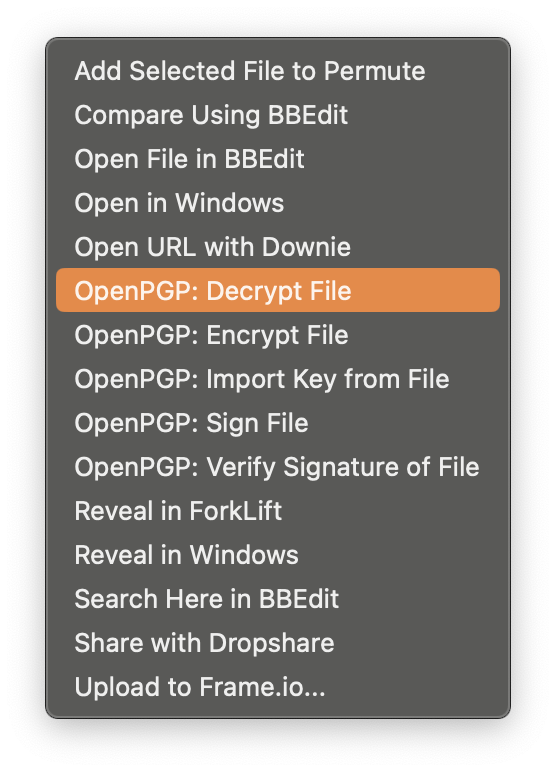
For PGP Encrypted or Signed Files (file or type ends in _signed, _encrypted, or .gpg), please visit https://verify.w-w.world for current and previous PGP Public Keys.
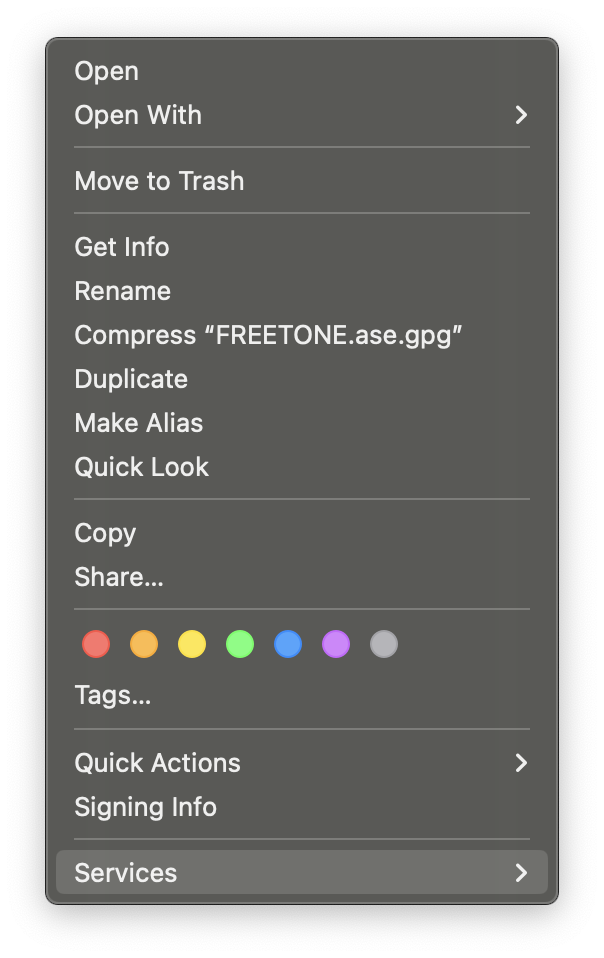
GPGTools (paid) or OpenPGP (free & open-source) is recommended for macOS and integrates natively into the Finder Services Menu (Right Click on a File > Services > OpenPGP:) to verify the integrity of a file or decrypt it.